
What Is Two Factor Authentication and How 2FA Protects You
CISA treats two factor authentication as MFA and says FIDO or WebAuthn is the only widely available phishing-resistant option. Which 2FA should you use?
 Hakkı ALKAN
Published 4 min read
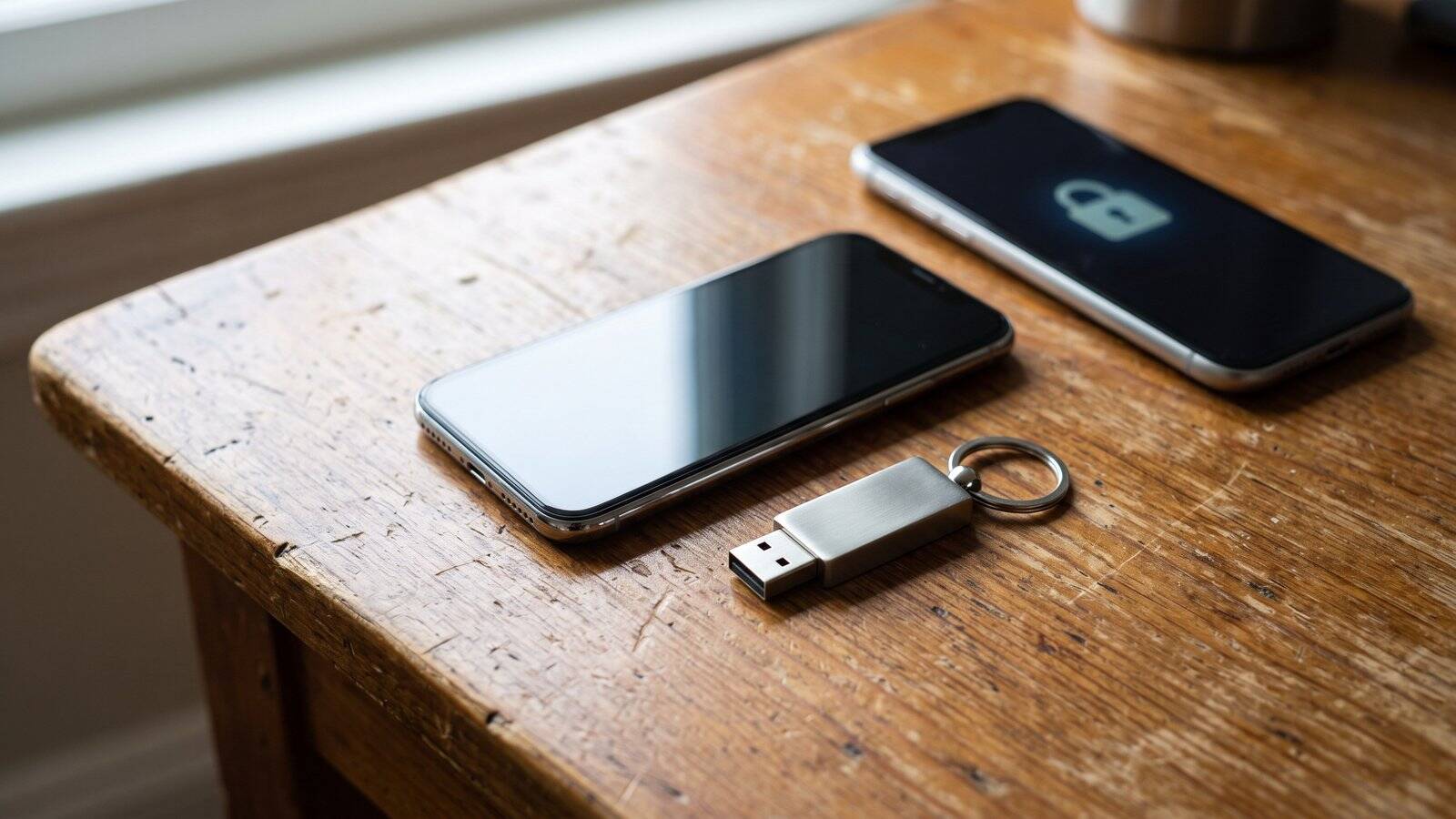
What is two factor authentication? It is a second check that proves you are you after a password, also called multifactor authentication or MFA. The U.S. Cybersecurity and Infrastructure Security Agency explains on its More than a Password MFA guidance, reviewed on November 8, 2026, that you must provide two or more authenticators before a service grants access, so a stolen password alone is not enough.
CISA lists the same idea under several names: multifactor authentication, two step authentication, 2-Step Verification, two factor authentication, and 2FA. The agency says users who enable MFA are significantly less likely to get hacked, because an attacker who steals one factor still has to pass the second check.
What is two factor authentication in practice?
CISA describes MFA as asking for more than something you know, such as a password or PIN. The second check can be something you have, such as an authentication app or a confirmation text on your phone, or something you are, such as a fingerprint or face scan. Popular forms include text or voice messages, app-based MFA, phishing-resistant MFA, and biometric checks.
The agency says you should turn this on wherever it is offered, starting with the security settings on the accounts you use most. CISA names email, financial services, social media, online stores, and gaming or streaming services as high-value places to enable it. If a company does not offer the feature, CISA even suggests asking them to add it.
Which 2FA methods are strongest?
Not every method gives the same protection. CISA says phishing-resistant MFA is the standard organizations should aim for, but any MFA is better than no MFA. According to the same guidance, the only widely available phishing-resistant option is FIDO or WebAuthn authentication, which is designed to refuse a login if someone tricks you into a fake website. NIST's Multi-Factor Authentication guidance, updated January 5, 2026, likewise says FIDO authenticators paired with the W3C Web Authentication API are the most common phishing-resistant option widely available today, and that one-time PINs and SMS codes can still be phished.
That FIDO path is also the basis for passkeys, which we explained in what is a passkey. If you cannot move to phishing-resistant MFA yet, CISA recommends number matching MFA to block mobile push bombardment and SMS-based attacks. SMS and voice codes remain common, but they sit on the weaker end of the scale because those messages can be intercepted or redirected. NIST's Digital Identity Guidelines, SP 800-63B-4, published in July 2025, also say applications at Authentication Assurance Level 2 must offer a phishing-resistant option.
How do you turn two factor authentication on?
Look in each account's security settings for labels such as Two Factor Authentication, Multifactor Authentication, or Two Step Verification. CISA says the extra step matters even if you already use a complex password or a password manager, because attackers can still phish or harvest reused passwords. Pairing 2FA with basic device hygiene, including the signs we listed in how to know if your phone is hacked, closes two common ways accounts get taken over.
Google Account Help on 2-Step Verification, checked on November 8, 2026, treats that name as another term for two factor authentication. After you turn it on, Google says you can sign in with your password plus a second step, or with a passkey. The page recommends Google prompts over codes because they are easier and can help protect against SIM swap and other phone-number hacks, while text or call codes remain vulnerable to those attacks.
Stolen passwords are also a starting point for larger breaches. After the Binance hack we covered in our Binance hacked report, extra login checks became a practical defense, not a nice-to-have. Use the strongest method an account offers: a security key or passkey first, then an authenticator app with number matching, and SMS only if nothing stronger is available.
| Method | What official guidance emphasizes |
|---|---|
| FIDO / WebAuthn or a passkey | CISA's only widely available phishing-resistant option; NIST says FIDO plus WebAuthn is the most common form |
| Authenticator app with number matching | CISA's recommended interim step to block push bombardment and SMS-based attacks |
| Application-based MFA or Google prompts | Listed by CISA among popular MFA forms; Google recommends prompts over SMS codes |
| SMS or voice code | Common and better than a password alone, but weaker against SIM swap and related attacks |