
TPU vs GPU: Which AI Chip Wins for Training and Inference
Google said its first TPU delivered 15 to 30X higher performance than contemporary chips, but GPUs still win most open AI workloads. Here is how to choose.
 Hakkı ALKAN
Published 4 min read
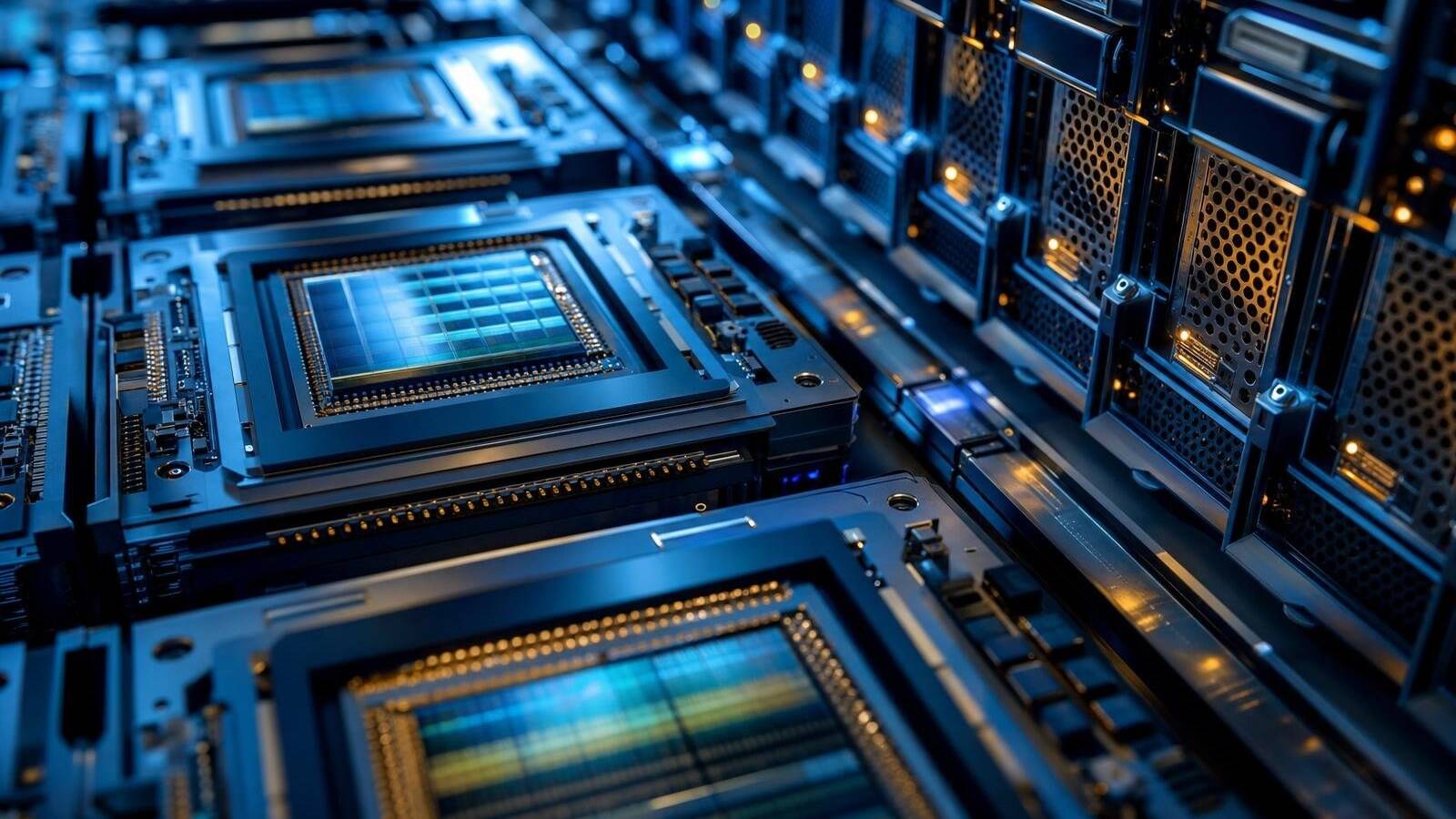
TPU vs GPU is the choice between Google's specialized Tensor Processing Unit and a broader Graphics Processing Unit for AI training and inference in 2026. TPUs can excel on Google Cloud for tensor-heavy machine learning, while GPUs remain the safer default for open-source models, CUDA-first software, multi-cloud work and on-prem systems.
In Google Cloud Documentation's Introduction to Cloud TPU, updated for current Cloud TPU generations, Google describes Cloud TPU as its custom ASIC for machine learning on Google Cloud. ASIC means application-specific integrated circuit: a chip built for a narrower job than general computing.
What Is a TPU?
A TPU, or Tensor Processing Unit, is Google's custom AI accelerator for machine learning. TPUs are optimized for tensor and matrix operations, the dense multiply-accumulate calculations that dominate neural networks.
Google Cloud Blog said on May 13, 2017, in An in-depth look at Google's first Tensor Processing Unit, that Google announced the first TPU the previous year and designed, verified, built and deployed it in about 15 months. That first-generation TPU used a 28nm process, ran at 700MHz, consumed about 40W and plugged into existing servers as an accelerator card.
The same post said the first TPU delivered 15 to 30X higher performance and 30 to 80X higher performance per watt than contemporary CPUs and GPUs for Google's neural network workloads, powering products such as Search, Street View, Photos and Translate. Today's Cloud TPU lines support PyTorch and JAX, run under Google Kubernetes Engine and sit behind Gemini and other Google services.
What Is a GPU?
A GPU, or Graphics Processing Unit, started as a graphics chip and became the dominant accelerator for parallel computing and AI. GPUs split big problems into many parallel tasks and use many cores for high throughput.
Nvidia's explainer What's the Difference Between a CPU and a GPU?, which originated in December 2009, says GPUs can divide work into thousands or millions of parallel tasks. CUDA, first released in 2007, let developers use that power beyond graphics.
Software matters as much as silicon. Nvidia dominates much of AI training and inference through CUDA, while AMD also competes with GPU accelerators for AI and high-performance computing. For many teams, tooling and portability keep GPUs easier to adopt.
How Are TPUs and GPUs Different?
TPUs specialize in tensor and matrix math for neural networks, so they can be very efficient when the model and software stack fit Google's TPU path. GPUs are broader parallel processors: strong at neural nets, but also used for gaming, graphics, scientific computing and simulation.
That is why TPU vs GPU is not only about peak speed. Projects also depend on frameworks, memory pressure, data pipelines, developer skills and where the model will run. A fast chip with a painful software path still slows the whole job.
When Should You Choose a TPU?
Choose a TPU when your workload already lives in Google Cloud, when you use Vertex AI or Google-oriented infrastructure, or when your team already runs JAX or PyTorch on TPU. The 2026 AI buildout makes that choice more strategic: power, cooling and location now shape deployments as much as chip specs, which is why our guide to what a data center is matters for accelerator buyers too.
If your stack is Google-centric and the workload maps cleanly to supported TPU paths, TPU efficiency can outweigh the narrower ecosystem.
When Should You Choose a GPU?
Choose a GPU for maximum software compatibility, open-source models and the easiest CUDA-first path. Most open-model examples, libraries and deployment guides still assume GPU infrastructure.
GPUs also win when you need multi-cloud or on-prem portability. In 2026, cloud buyers weigh specialized ASICs against general GPUs while dealing with accelerator supply, memory constraints and hardware tracking rules, including the issues covered in our Nvidia chip tracking report.
Why Does Memory Matter for TPU vs GPU?
AI accelerators are often limited by memory capacity and bandwidth, not only compute. Large models need fast access to parameters and activations, so memory architecture can decide real training or inference speed. That is why advanced packaging shows up in the wider race, as our coverage of TSMC 3D DRAM explains.
Evaluate TPU vs GPU against your actual model, batch size, framework and deployment target. One benchmark does not pick the winner for every workload.
TPU vs GPU: What Are the Main Differences?
| Category | TPU | GPU |
| Full name | Tensor Processing Unit | Graphics Processing Unit |
| Primary design | Google custom ASIC for machine learning | General parallel processor, originally for graphics |
| Best fit | Google Cloud, Vertex AI, JAX or PyTorch on TPU | Open models, CUDA stacks, multi-cloud, on-prem |
| Software ecosystem | Strong inside Google Cloud TPU paths | Broader third-party ecosystem, especially CUDA |
| Portability | Best when committed to Google Cloud | Usually easier across vendors and clouds |
| Bottom line | Choose when your stack is Google-centric | Choose when flexibility matters most |
Our Take: Which One Should You Choose?
Do not treat TPU as always better or GPU as always safer. Match the accelerator to the cloud, model, framework and portability needs. Most open-source shops should start with GPUs; teams deep in Google Cloud, Vertex AI and Google-scale tensor workloads should seriously evaluate TPUs.
Accelerator diversity is rising with the AI data-center boom, including projects such as the Google Wyoming data center. Pick the chip that fits the stack you will actually run, not the one with the flashiest headline number.