
Warning: Fake Chrome error message targets users!
Google Chrome users need to exercise caution before clicking on unfamiliar links, as security experts have warned of a fake Google Chrome error message spreading malware. Trend Micro’s blog post explains that this attack campaign has been operational since February 2023, impacting a large number of…
 Berkan Aslan
Published Updated 1 min read
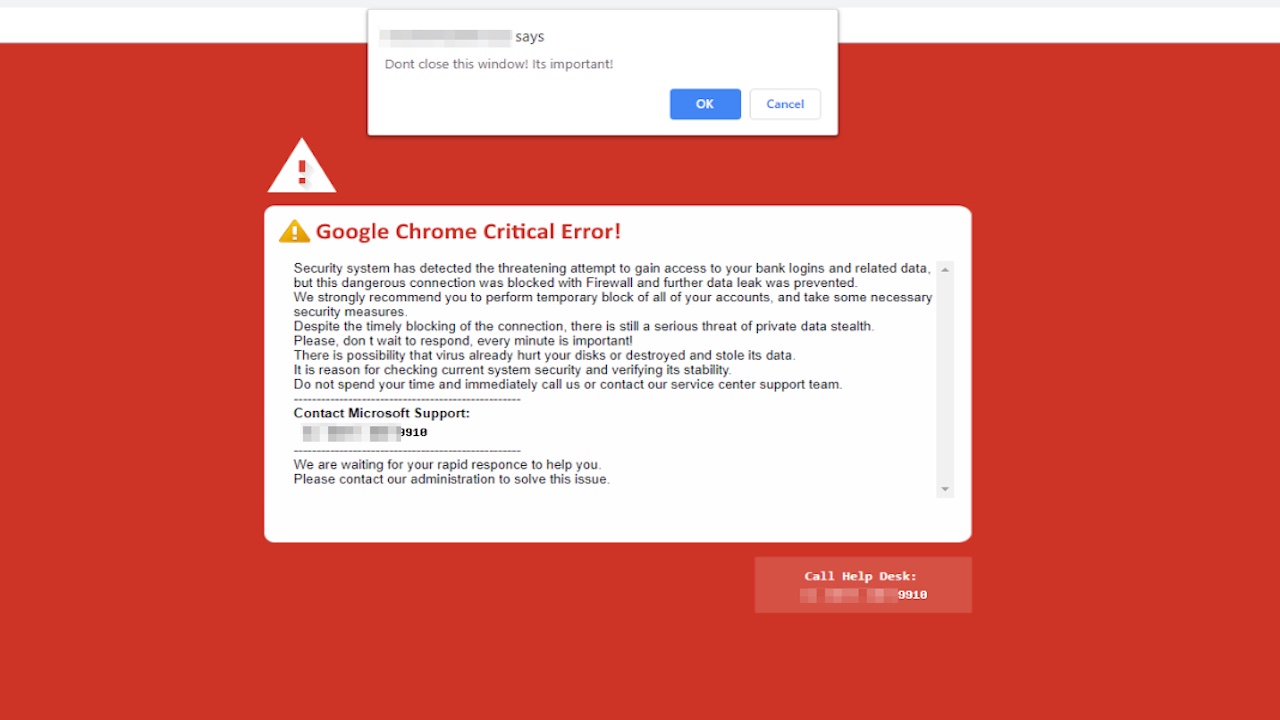
Google Chrome users need to exercise caution before clicking on unfamiliar links, as security experts have warned of a fake Google Chrome error message spreading malware. Trend Micro’s blog post explains that this attack campaign has been operational since February 2023, impacting a large number of users. NTT Security also reported on this issue.
Beware of the malicious attack
The malware targets users who visit legitimate or compromised websites infected with malicious code. These sites can include adult sites, blogs, news sites, and online stores. Upon visiting these websites, a fake Google Chrome error message will appear, prompting users to download an update to fix a supposed security issue.
The “update” is actually a ZIP file containing an EXE file. This file harbors a Monero miner that uses the user’s computer processing power to mine cryptocurrency for the attackers. According to The Sun, the prompt message reads, “An error occurred in Chrome automatic update. Please install the update package manually later, or wait for the next automatic update.”
Crypto mining requires significant power, which could increase your energy bills. If you fall victim to this malware, your computer may slow down and become unresponsive. The downloaded malware also has the potential to access sensitive information such as login credentials and financial data. Moreover, your device will be vulnerable to further malware attacks.
Safeguard yourself from malware attacks
- Avoid clicking on prompts that appear on websites.
- Be cautious about what you download on your device and always verify the source.
- To update Chrome, visit the official Google account. The latest update is usually the most secure.
Have you seen this fake error message before? You should always look at these or similar messages with suspicion. So you can follow us and learn how to protect yourself from such things. If you have any comments, please share them with us in the comment section below!