
You didn’t notice it before! Hidden iPhone features
iPhones, which are perhaps the cornerstone of the Apple ecosystem, have many features. However, we are sure that you have not noticed some of these features before. We have listed for you 4 hidden Apple features that will sometimes save you time and sometimes make your life easier. Here are the…
 Kaan Orman
Published 2 min read
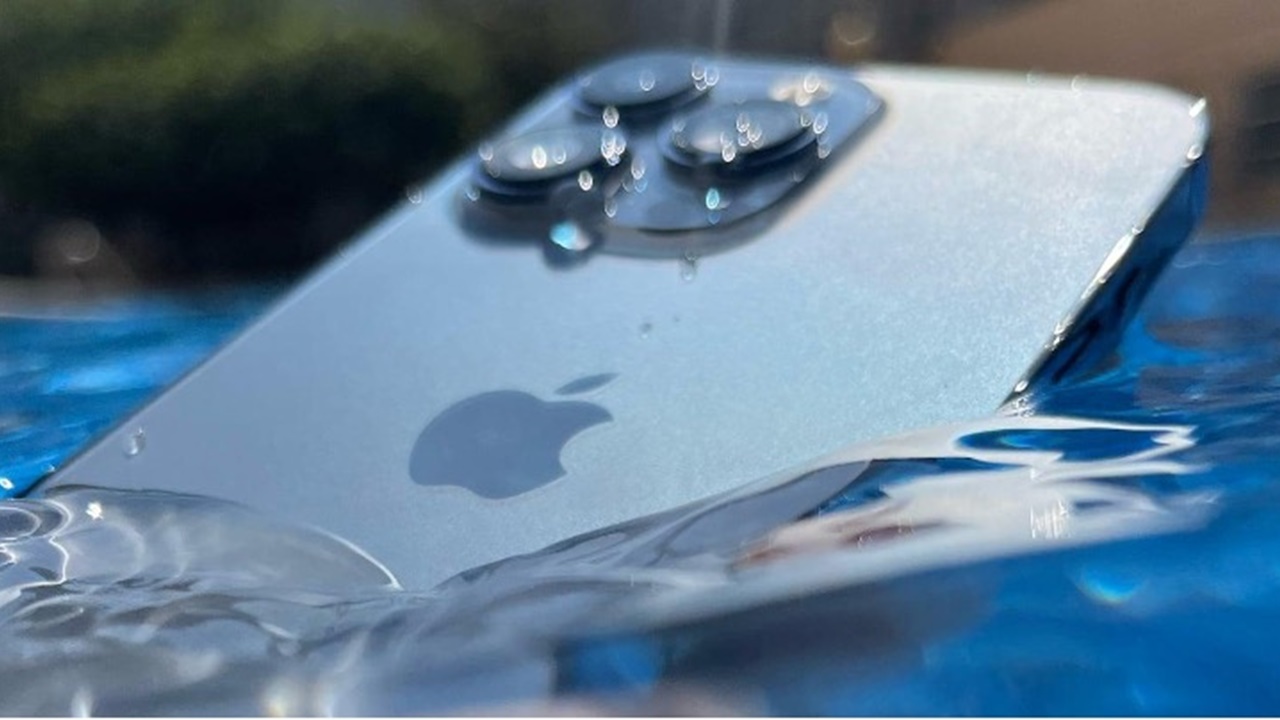
iPhones, which are perhaps the cornerstone of the Apple ecosystem, have many features. However, we are sure that you have not noticed some of these features before. We have listed for you 4 hidden Apple features that will sometimes save you time and sometimes make your life easier. Here are the iPhone hidden features…
5 new iPhone features you will learn!
1- Hidden button on the back of your iPhone
Actually, there is no hidden button on the back of your device. However, this feature was named this way. Thanks to the “Back Tap” feature on iPhones, you can perform the operations you want by tapping the back of your device twice. Although this feature, which is available on all iPhone users’ devices with iOS 14, attracted a lot of attention at first, it was forgotten over time. You can adjust this feature as desired from the ‘ touch ‘ tab of the ‘ accessibility ‘ option in the settings.
2- A different design for everyone
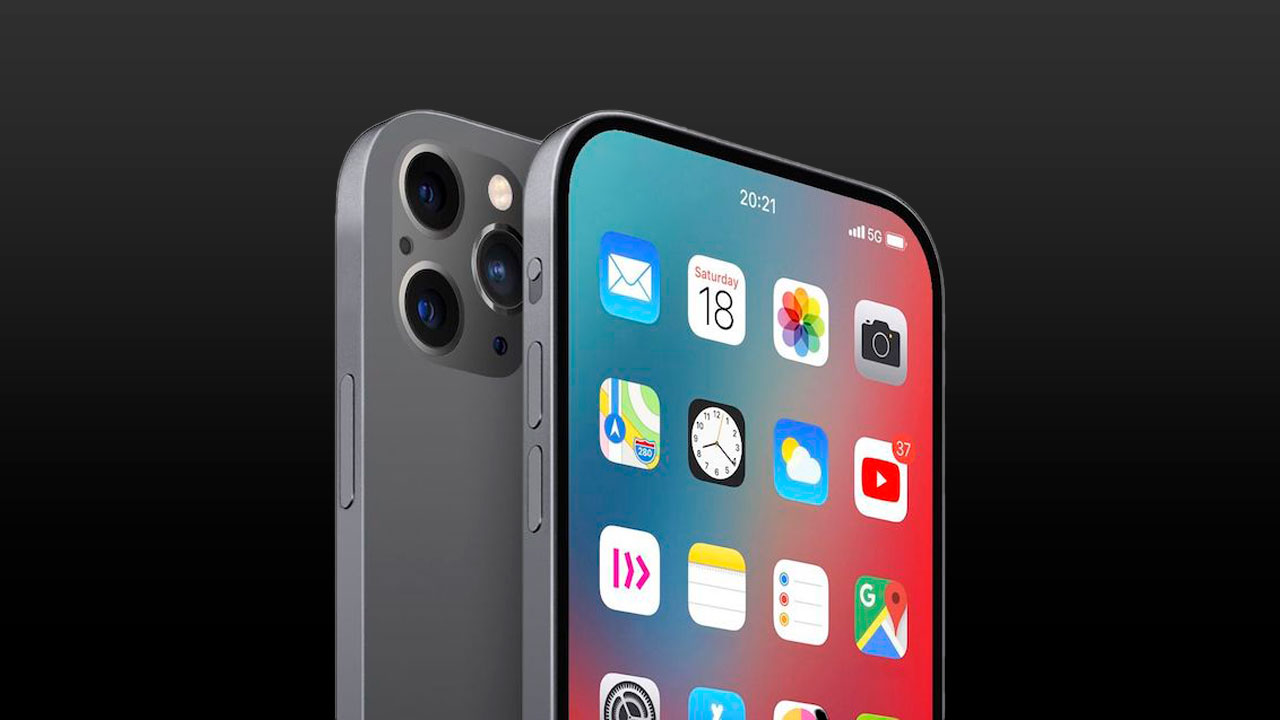
This isn’t exactly a hidden feature. With this new feature, which came into our lives with iOS 17, it is possible to see the people calling you with different designs. In this way, you can use a different design for each person and customize your call screens according to your wishes.
3- Converting handwritings into texts
With this new feature coming to all iPhone models after the iOS 15 update, you will be able to easily convert text on any paper into text. Thanks to this feature, which especially pleases university students, the era of writing pages of notes is over. To use this feature actively, you must first follow the steps Settings > General > Language and Region and activate the live text feature.
4- iPhone Clips!
Many Apple owners are asked, “Why did you buy an iPhone?” When you ask the question, many users will probably say “iPhone cameras are of very high quality!” you will get the answer. However, many iPhone users do not use their camera to its full extent.
5- “Hey Siri Lumos!” and “Hey Siri Nox!”
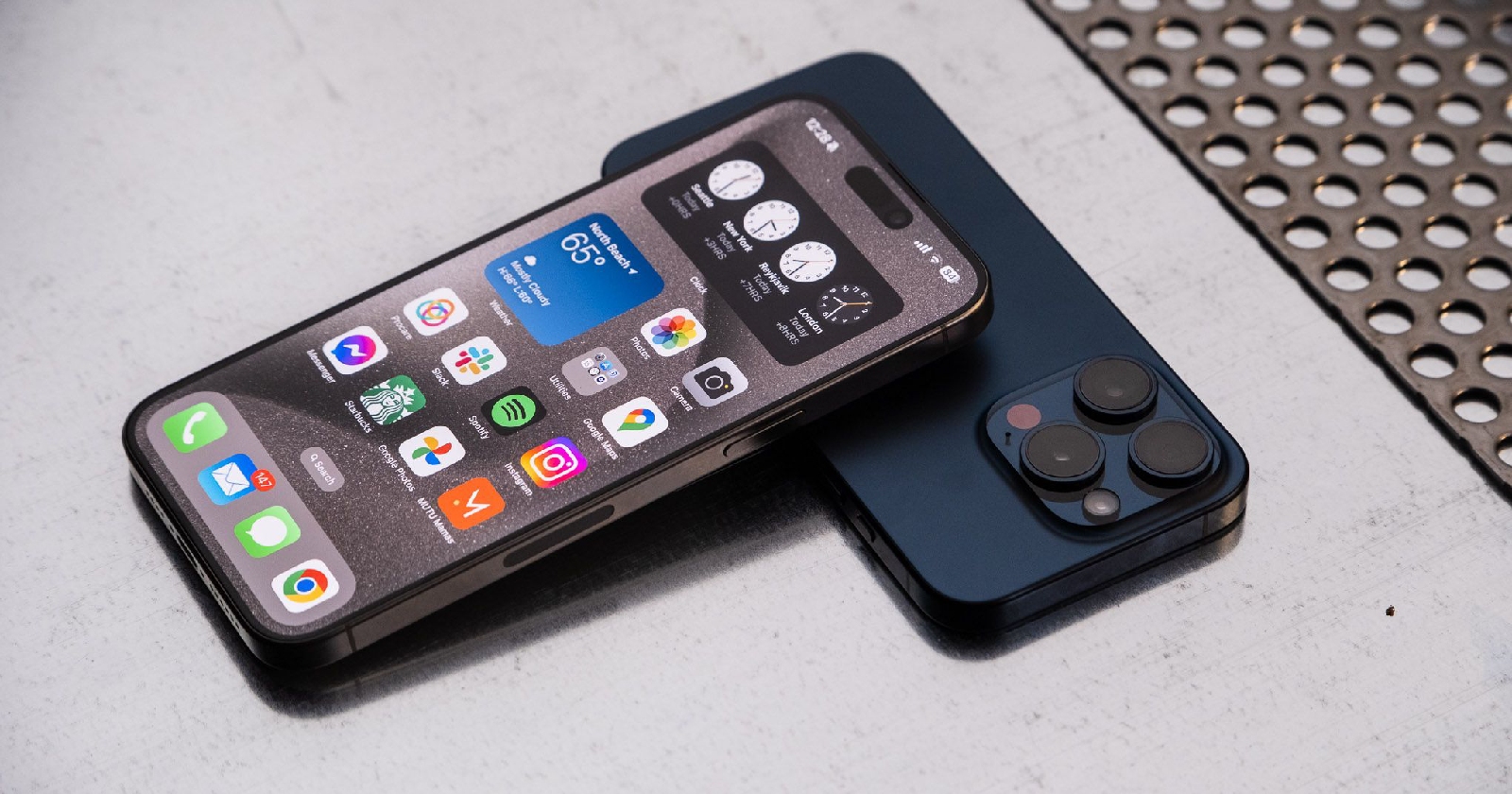
We’ve all lost our phones in dark places or at the bottom of drawers. Finding a phone, especially in the dark of night, is like looking for a needle in a haystack. But Apple found a solution to this problem too. “Hey Siri Lumos!” when calling your phone. When you say this, your iPhone will automatically turn on the flashlight. In this way, you will be able to find your phone easily. If you want to turn off the flash light with Siri again, say “Hey Siri Nox!” Just say.