
Be careful when upgrading to Windows 11!
With the end of Windows 10 support last month, many users have begun searching for ways to upgrade to Windows 11. Computer owners who don’t meet the system requirements are turning to third-party tools. One such tool, Flyoobe, is gaining popularity and allows users to install Windows 11 without…
 Samet Kelebek
Published 2 min read

With the end of Windows 10 support last month, many users have begun searching for ways to upgrade to Windows 11. Computer owners who don’t meet the system requirements are turning to third-party tools. One such tool, Flyoobe, is gaining popularity and allows users to install Windows 11 without bypassing the system requirements. However, a significant security warning has been issued regarding this popular tool.
Critical warning for the Windows 11 upgrade tool Flyoobe: Fake site risk!
The developer of the Flyoobe tool has published a “SECURITY WARNING” on its official GitHub page. The warning states that a malicious copy of the tool is being distributed through a fake website. The developer emphasized that the site, using the domain flyoobe.net, has no affiliation with the project. This fake site is believed to be attempting to deceive users by disguising itself as the official site.
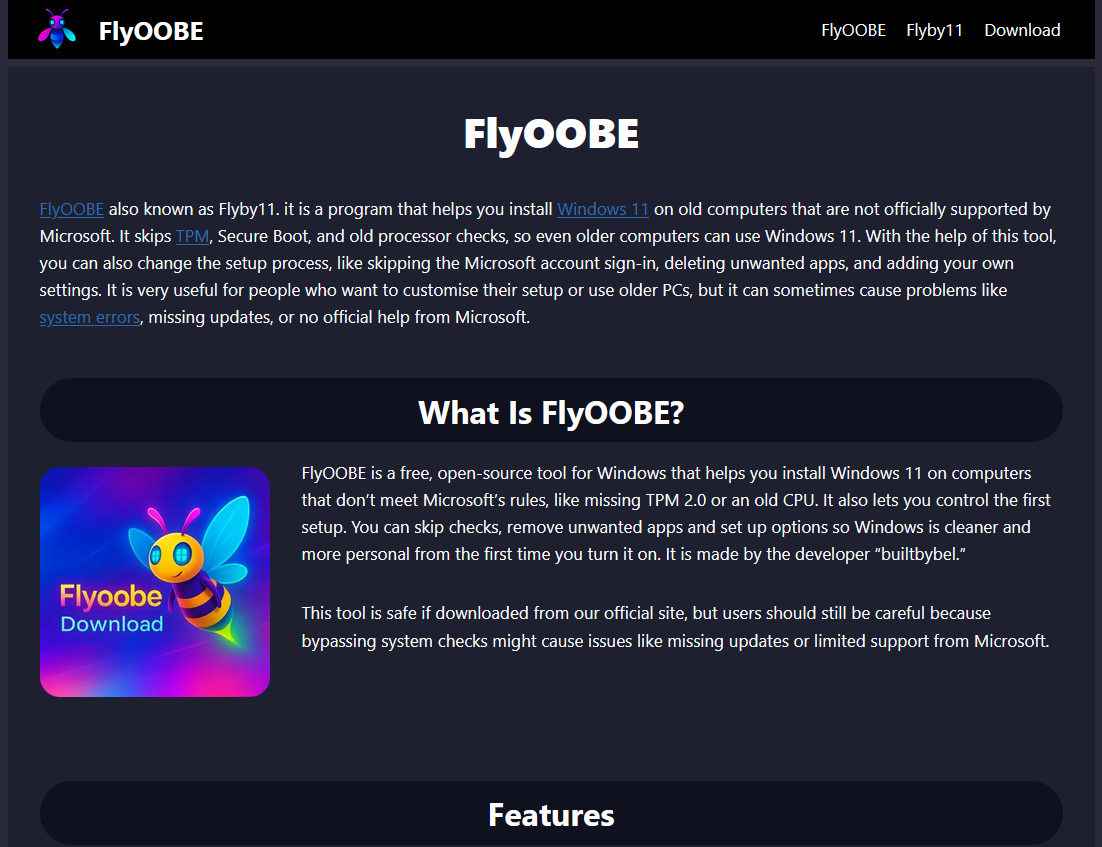
It has been stated that software downloaded from the fake website may contain malicious code or a modified assembly. Downloading tools like Flyoobe, which require system-level access, from untrusted sources carries significant risks. This type of fake software can infect your computer with ransomware, Trojans, spyware, or keyloggers during the Windows installation process. Furthermore, this software can contain hidden scripts designed to steal personal data.
Originally known as Flyby11, Flyoobe uses the slogan “A better way to install Windows.” The tool aims to make Windows 11 more accessible, especially on older or low-end computers. It allows users to directly upgrade from Windows 10 to Windows 11, bypassing compatibility checks such as TPM module checks. The tool also offers a lighter operating system installation by removing artificial intelligence components or unnecessary features. It even simplifies the installation of some frequently used applications.
Even if modified installers appear to work normally, they can introduce backdoors into the system or cause difficult-to-track stability issues. The developer strongly warns users to download the tool only from the official GitHub release page. So, have you upgraded to Windows 11? Do you consider resorting to such tools if you are using an unsupported system?