
Double-Check Emails from OneDrive!
In its latest report, security company Trellix revealed that hackers are creating fake OneDrive websites to carry out phishing attacks. These fake sites trick users into running PowerShell commands by claiming a “service connection issue,” which then leads to the installation of trojans on the…
 Samet Kelebek
Published 1 min read
In its latest report, security company Trellix revealed that hackers are creating fake OneDrive websites to carry out phishing attacks. These fake sites trick users into running PowerShell commands by claiming a “service connection issue,” which then leads to the installation of trojans on the users’ computers. Here are the details of this new wave of fraud.
Phishing Attacks Through Fake OneDrive Websites
Hackers first set up a fake OneDrive website and then send phishing emails containing HTML attachments to users. These emails inform users that they have received a file sharing request titled “Reports.pdf.”
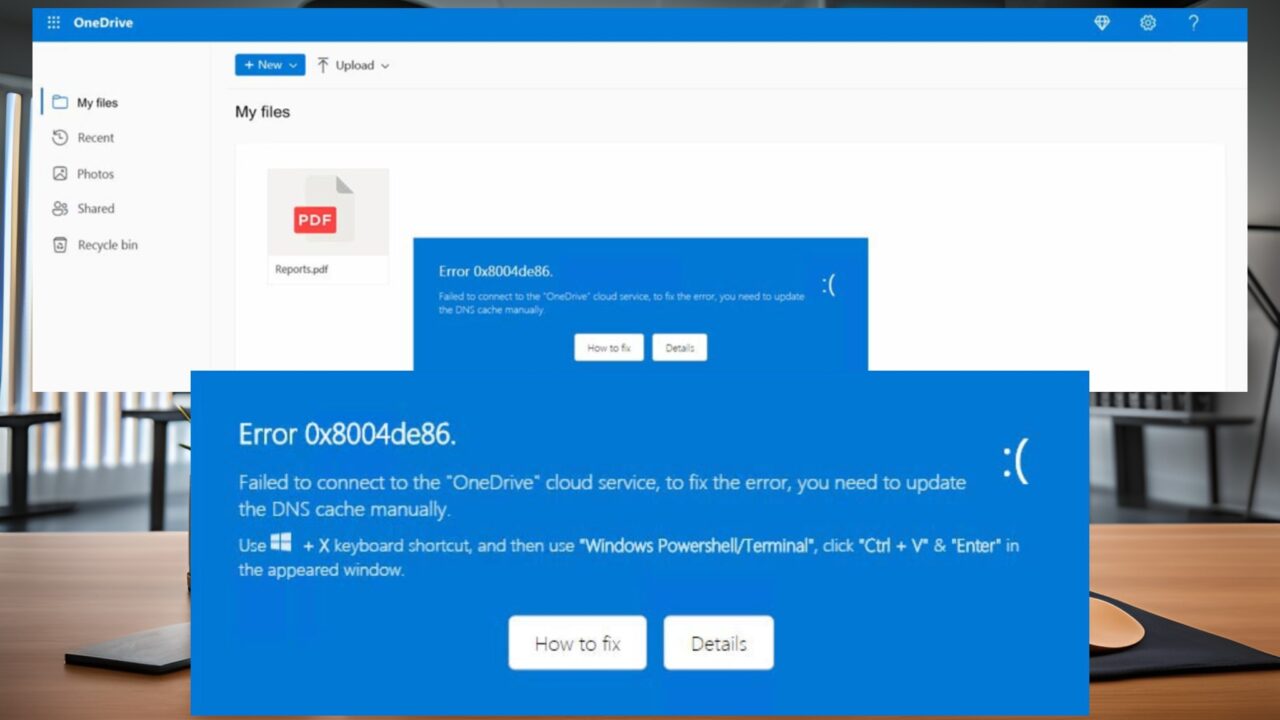
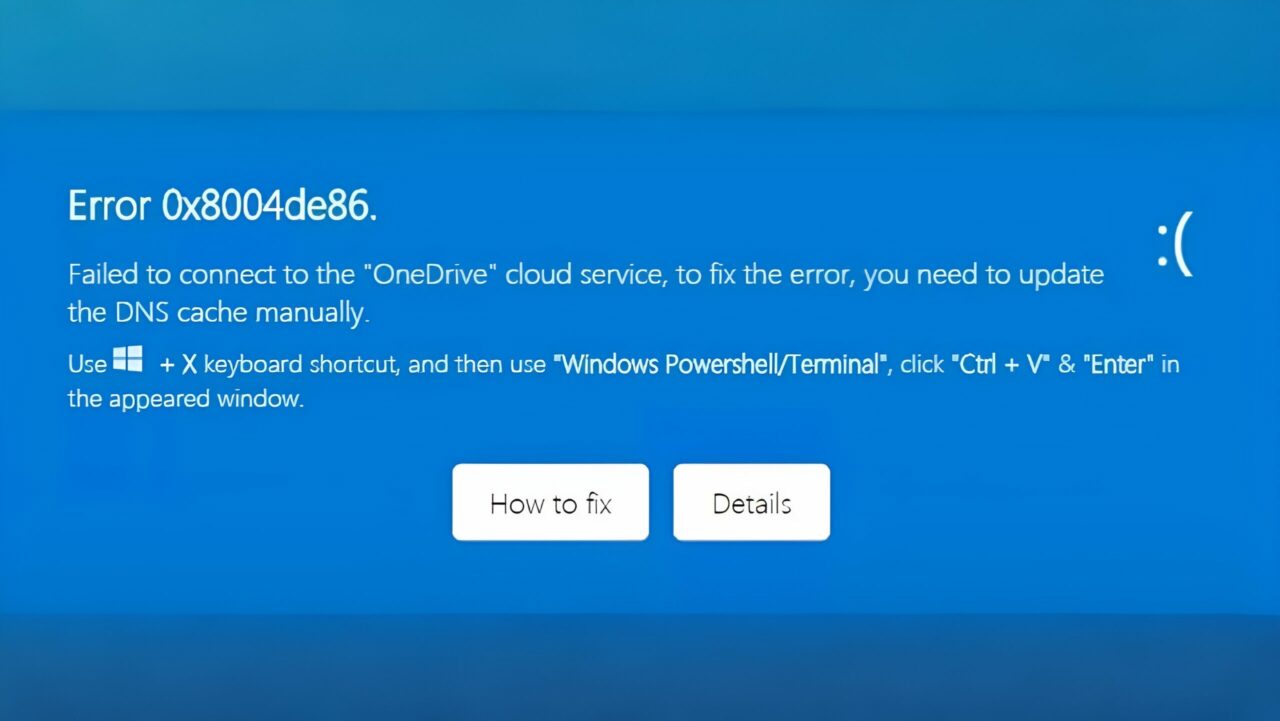
Once users click on the link in the email, they are redirected to the fake OneDrive site, where they encounter an “Error 0x8004de86” code. The site instructs users to manually update their DNS cache and provides a series of PowerShell commands. When these commands are executed, the system automatically downloads the AutoIT malware.
Google Drive vs. Microsoft OneDrive: Which is best?
Security experts warn that these types of attacks are particularly insidious and can be difficult for users to detect. Users are advised to be cautious of unfamiliar emails in their inboxes and to avoid clicking on attachments or links from unknown sources.
How to Protect Yourself from Phishing Attacks via Fake OneDrive Websites:
- Do not open emails from unknown sources.
- Carefully check links in emails before clicking on them.
- Keep your security software updated and run regular scans.
- Report any suspicious activities to security teams.
By following these precautions, you can protect yourself from falling into the traps set by hackers. Have you ever encountered such a scam before? Share your experiences in the comments below.