
How to clear junk files on Android?
Your Android smartphone’s storage can fill up over time. Downloaded apps, cached data, unnecessary files, and duplicate photos negatively impact device performance. Manually finding and deleting these files can be quite a hassle. Easy File Cleaning on Android with Google Files But don’t worry, a…
 Samet Kelebek
Published 1 min read

Your Android smartphone’s storage can fill up over time. Downloaded apps, cached data, unnecessary files, and duplicate photos negatively impact device performance. Manually finding and deleting these files can be quite a hassle.
Easy File Cleaning on Android with Google Files
But don’t worry, a simple app can help: Developed by Google, the developer of Android itself, Google Files automates this process and offers one of the most reliable ways to manage storage.
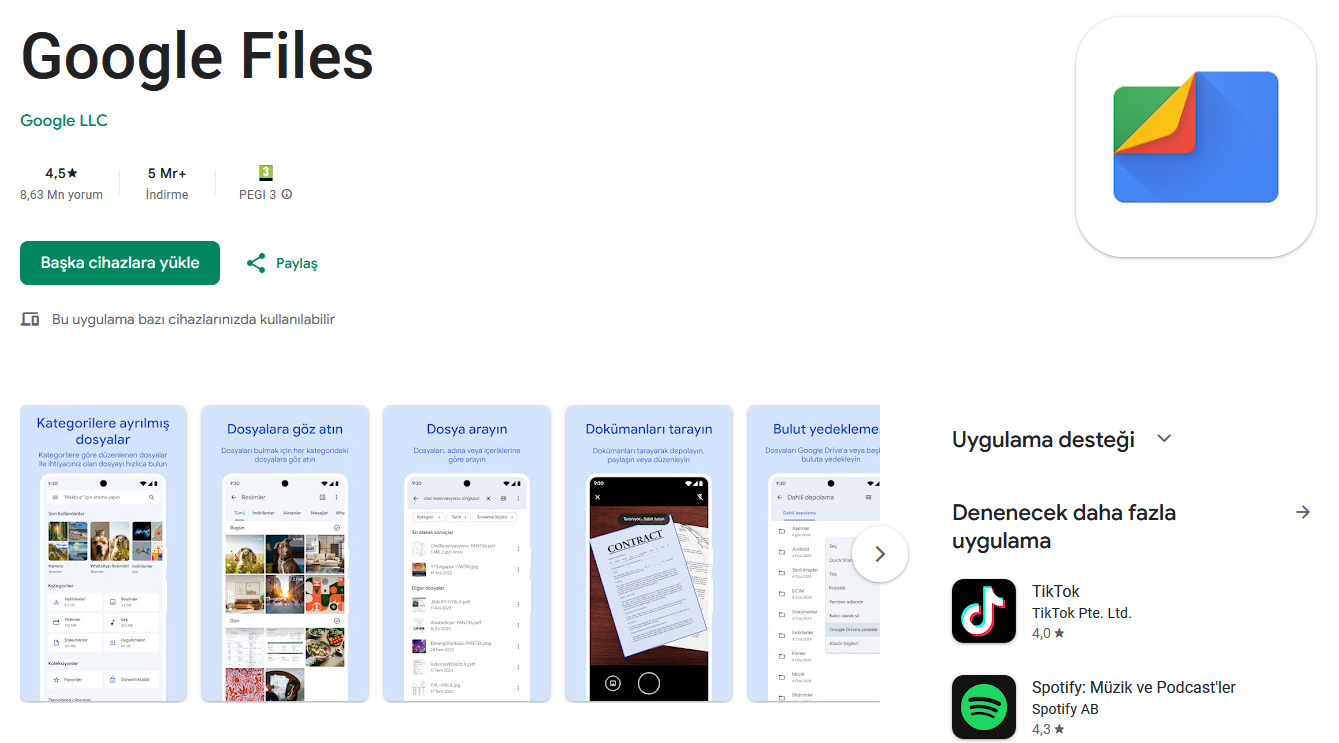
First, download and install the Google Files app from the Google Play Store. When you first launch the app, you’ll be asked to grant storage permissions to access files on your device. This permission is required so the app can scan and detect unnecessary data. Once granted, the app will begin analyzing your device.
Open the Delete menu in the app’s left menu. This screen lists items taking up space on your phone’s memory and recommended for deletion, listed as cards. The top menu is usually labeled “Unnecessary Files.” This option contains temporary files created by apps, and deleting them won’t harm the system.
When you press the Clean button, the app prompts you for a final confirmation and completes the process within seconds. Files by Google also detects duplicate files, old screenshots, large videos from apps like WhatsApp, and unused apps. By clicking “Select Files,” you can review the content in these categories and mark only the ones you want to delete.
This regular cleaning process frees up storage and contributes to your phone’s more stable operation. So, do you prefer built-in tools or other apps for managing your smartphone’s storage? Share your thoughts in the comments.