
How to detect hidden cameras using your phone?
With increasing concerns about hidden cameras invading privacy, knowing how to detect them is essential. Fortunately, your smartphone can help you uncover hidden surveillance devices. Let’s explore the best methods to do this. Can You Detect Hidden Cameras with a Phone? Yes! Your smartphone has…
 Enes K.
Published 2 min read
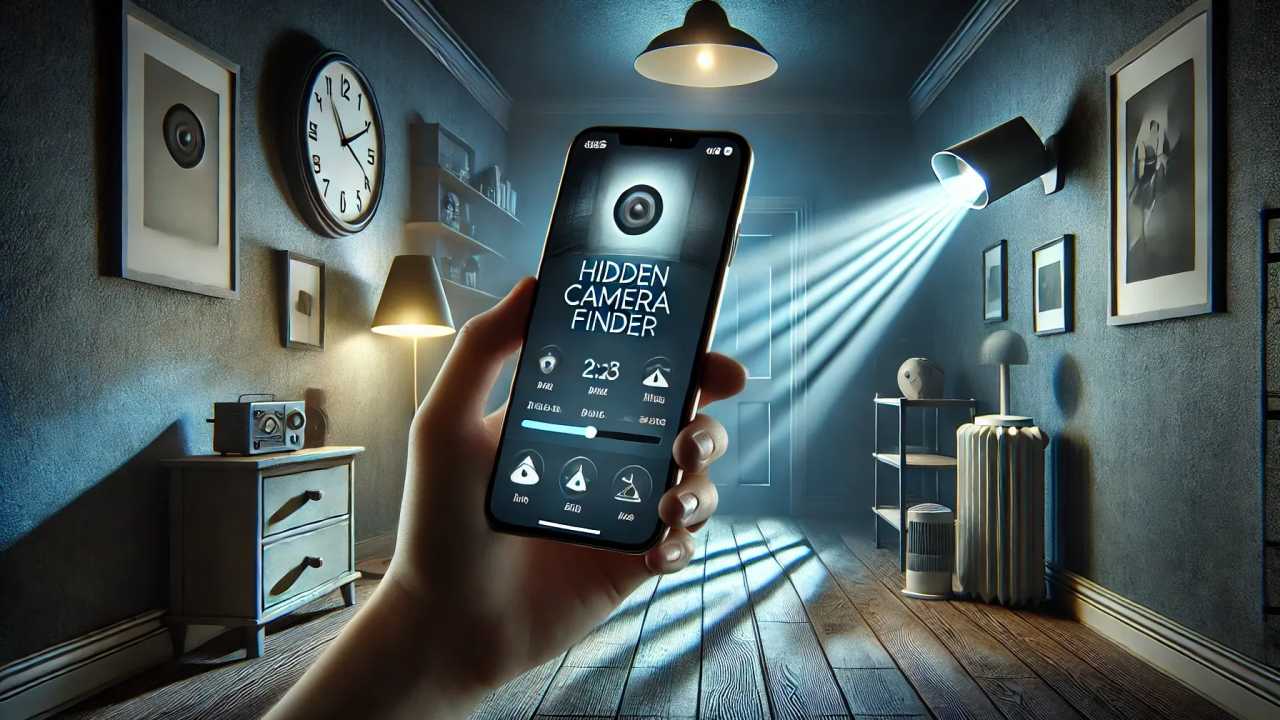
With increasing concerns about hidden cameras invading privacy, knowing how to detect them is essential. Fortunately, your smartphone can help you uncover hidden surveillance devices. Let’s explore the best methods to do this.
Can You Detect Hidden Cameras with a Phone?
Yes! Your smartphone has several built-in tools that can help detect hidden cameras. Many hidden cameras rely on infrared light, wireless signals, or magnetic fields, all of which your phone can help identify. Let’s dive into three effective methods.
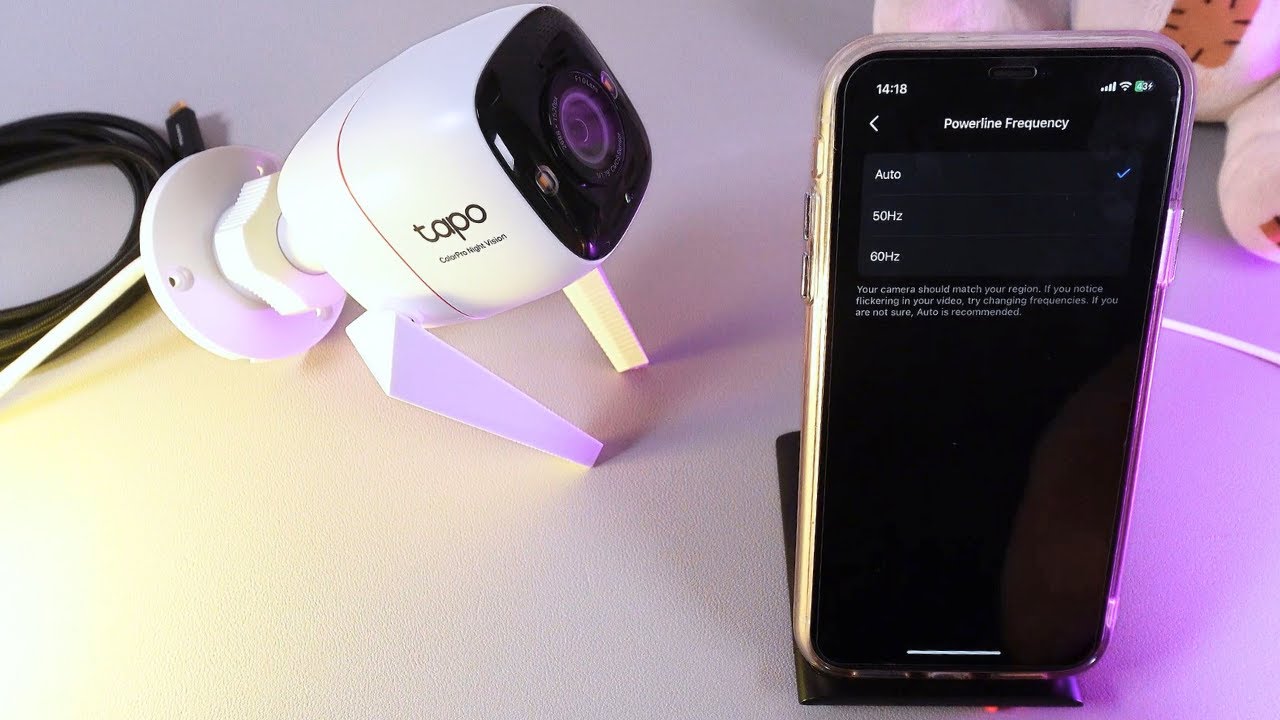
1. Detect Infrared Light with Your Phone Camera
Most hidden cameras use infrared light to capture images in the dark. While the human eye can’t see infrared, your phone’s camera can. Follow these steps:
- Turn off the lights in the room.
- Open your phone’s camera app and slowly scan the area.
- Look for small, glowing red or purple dots in the camera feed. These could indicate hidden infrared LEDs from a camera.
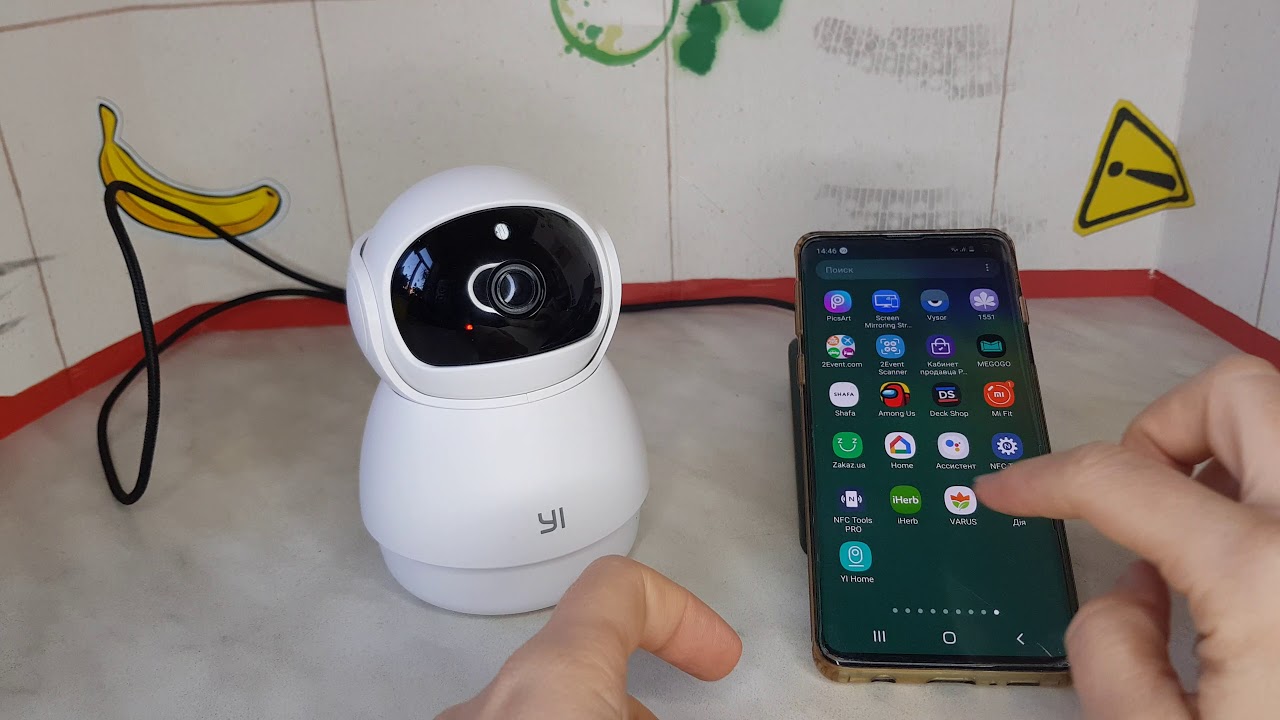
2. Scan for Wi-Fi and Bluetooth Signals
Many hidden cameras rely on Wi-Fi or Bluetooth to transmit footage. Your phone can detect unusual devices connected to the same network. Here’s how:
- Go to your phone’s Wi-Fi settings and scan for connected devices.
- Look for unfamiliar network names or suspiciously named devices.
- Repeat the same process for Bluetooth devices. If you see unusual names like “Security Camera” or “IP Camera,” investigate further.
3. Use Specialized Apps
There are various apps available for detecting hidden cameras. These apps use your phone’s sensors to scan for magnetic fields or unusual signals. Here’s how to use them:
- Download apps like “Hidden Camera Detector” from the App Store or Google Play.
- Use the app to scan your surroundings.
- If the app detects a strong electromagnetic field or unknown network connection, inspect the area further.
Protect Your Privacy, Stay Vigilant
Using your smartphone, you can effectively detect hidden cameras and protect your privacy. If you ever suspect you’re being watched, these methods can help you take action. Have you ever encountered a hidden camera? Share your experience in the comments!