
Top 5 Free AI Image Generators Unleashed!
Free AI image generators are revolutionizing content creation! Whether you’re a designer, marketer, or just someone looking to create amazing visuals effortlessly, AI-driven tools now let you generate stunning images directly from simple text prompts. This guide explores the top five free AI image…
 Cenk Tarhan
Published 2 min read
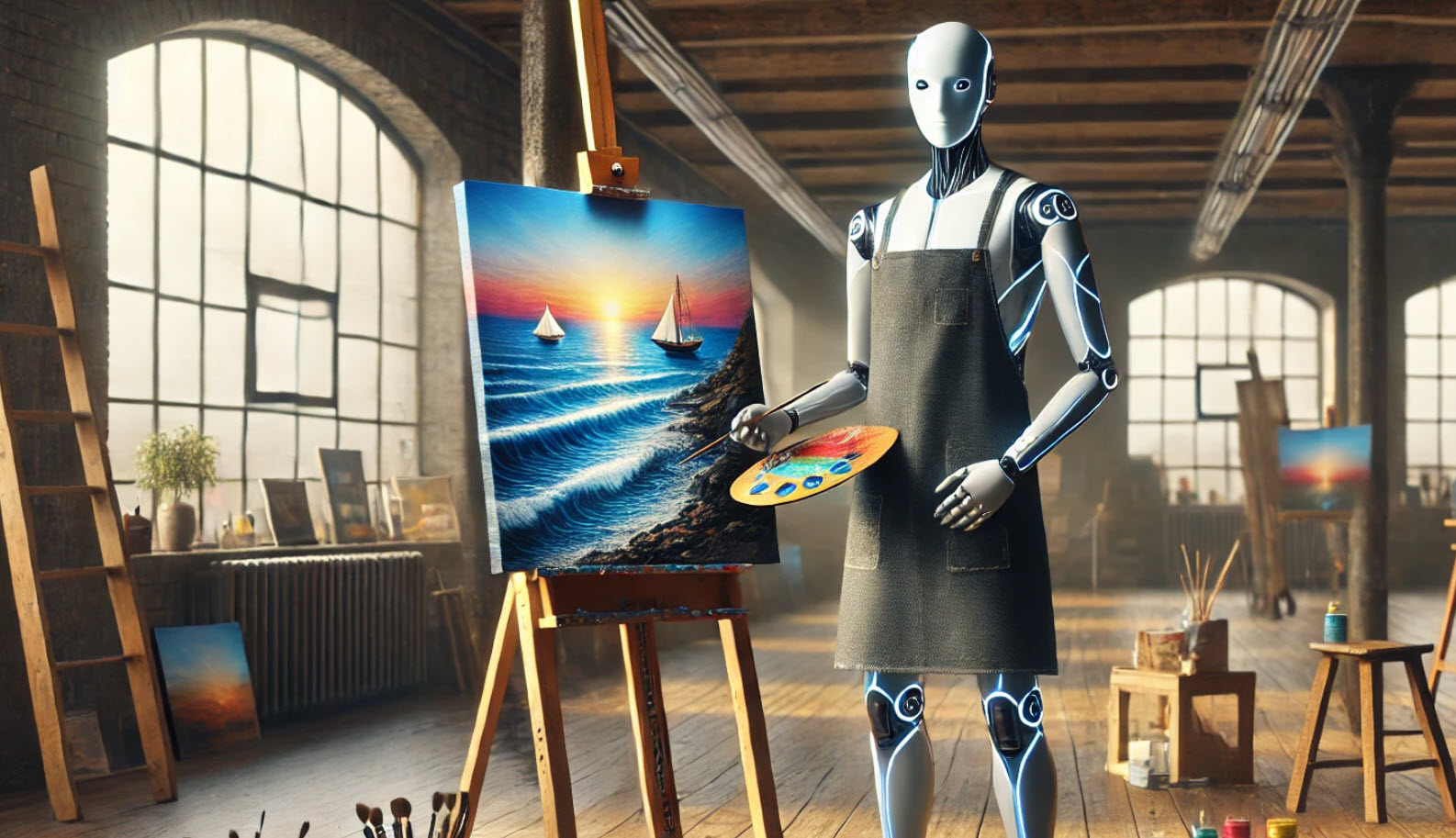
Free AI image generators are revolutionizing content creation! Whether you’re a designer, marketer, or just someone looking to create amazing visuals effortlessly, AI-driven tools now let you generate stunning images directly from simple text prompts. This guide explores the top five free AI image generators—Bing Image Creator, Krea AI, Freepik AI, Meta AI’s Imagine, and Google AI Studio—highlighting their strengths and drawbacks.
1. Bing Image Creator
Powered by Microsoft’s collaboration with OpenAI’s DALL·E, Bing Image Creator is perfect for users seeking quality visuals integrated with the Microsoft ecosystem.
Pros:
- Free, fast, and easy to use
- Realistic and detailed images
- Seamless Microsoft integration
Cons:
- Limited commercial usage rights
- Occasional inaccuracies in detailed prompts
- Requires a Microsoft account
2. Krea AI
Krea AI stands out with its advanced real-time rendering capabilities, ideal for both beginners and professional creators.
Pros:
- Real-time image and video generation
- User-friendly, intuitive interface
- Supports very high resolutions
Cons:
- Premium features behind paywall
- Results can vary with complex prompts
- Moderate learning curve for newcomers
3. Freepik AI Image Generator
Freepik’s AI tool is designed for visual artists, marketers, and creators demanding quick and versatile visuals.
Pros:
- Quick high-quality image creation
- Wide range of styles and formats
- Integration with Freepik’s rich asset library
Cons:
- Limited customization in free tier
- Consistent prompts required for best results
- Performance may lag on lower-end devices
4. Meta AI’s Imagine
Meta’s Imagine offers rapid image generation for casual use, perfect for creating fun, imaginative visuals instantly.
Pros:
- Fast, easy-to-use interface
- Excellent for social media and personal use
- Ideal for imaginative scenarios
Cons:
- Limited creative control
- Struggles with highly detailed prompts
- Not designed for professional or commercial use
5. Google AI Studio
Google AI Studio provides a powerful platform for developers and researchers exploring AI-generated visuals and multimodal workflows.
Pros:
- Extensive free features for developers
- Supports multimodal AI applications
- Efficient integration of AI models
Cons:
- Challenging for beginners
- Requires Google account access
- Advanced features need setup
Each tool has unique strengths catering to various creative needs. Choose wisely based on your goals, desired customization level, and intended usage. Always double-check terms of use for compliance!