
macOS Ventura 13.5 update fixes SATA issue on 2023 Mac Pro
Some 2023 Mac Pro owners who put their devices into sleep mode have started experiencing connection issues with their SATA drives. Today, Apple released the macOS Ventura 13.5 update, announcing that the SATA drive connection issue on 2023 Mac Pro models has been resolved. 2023 Mac Pro SATA issue…
 Yiğit Ali Demir
Published 1 min read
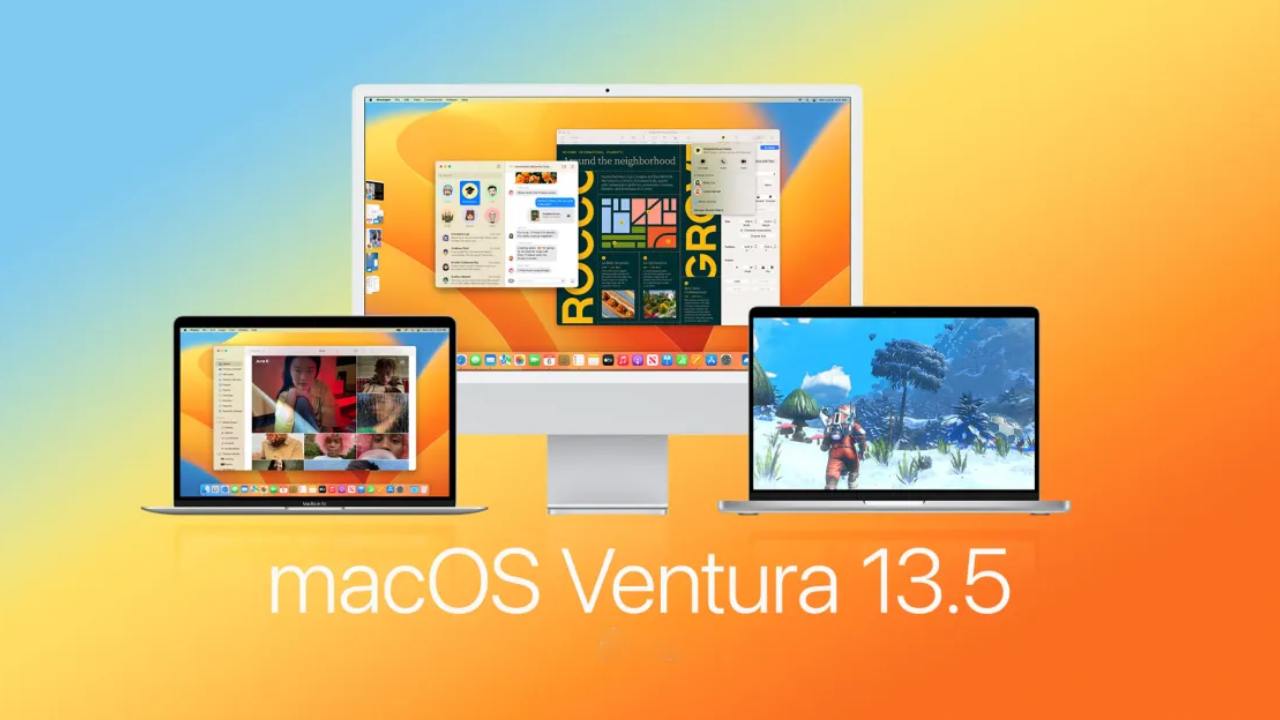
Some 2023 Mac Pro owners who put their devices into sleep mode have started experiencing connection issues with their SATA drives. Today, Apple released the macOS Ventura 13.5 update, announcing that the SATA drive connection issue on 2023 Mac Pro models has been resolved.
2023 Mac Pro SATA issue resolved! macOS Ventura 13.5 update released
Today, Apple released macOS Ventura 13.5, the fifth major update to the macOS Ventura operating system, which was launched in October. The new release comes one month after the release of macOS Ventura 13.4, an update that brought minor features and bug fixes to the Apple News app.
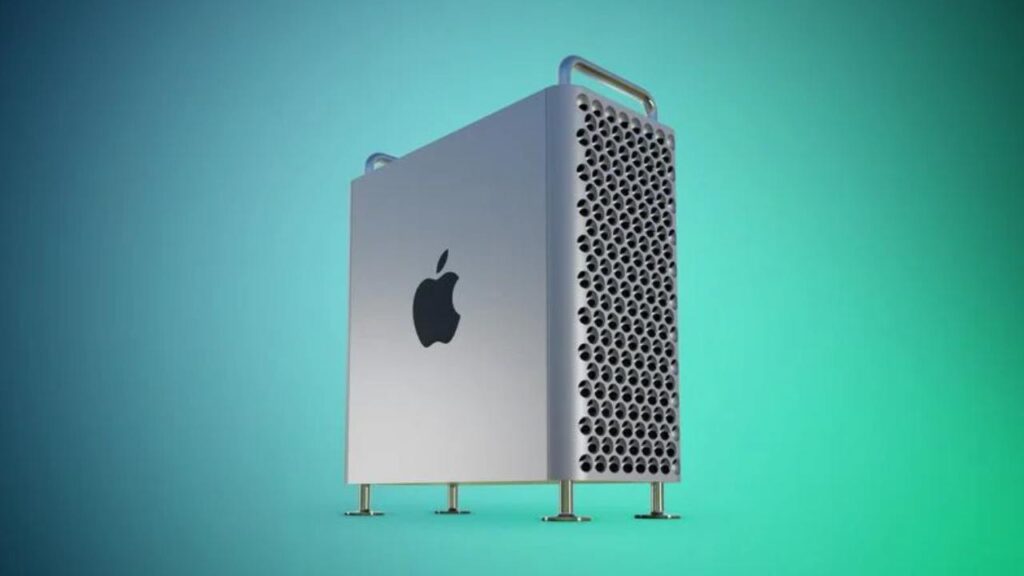
Apple updated its support document today to indicate that the SATA connection issue has been resolved in the macOS Ventura 13.5 update. The company announced that users experiencing the connection issue should not perform any physical interventions and that updating their Macs is sufficient.
iOS 16.6 and iPadOS 16.6 fixes 16 security vulnerabilities
Although the Mac Pro is configured with SSD storage, it has SATA ports to connect internal hard drives. A software-related error has been causing the SATA drive issue on some Mac Pro models.
In its statement, Apple said, “Some internal SATA drive models may unexpectedly disconnect from your computer after your Mac wakes from sleep. This occurs if your Mac automatically goes to sleep or if you manually put your Mac to sleep. If you see a message indicating that the disk was not ejected properly, you can restart your Mac to reconnect the drive.”